Scene editor
Shape your scene with sound, colour and atmosphere.
Scene
Choose your retreat
Each choice resets sound, weather and lighting. Play Audio when you are ready.
Sound
Audio
Scene effects
Rain stays outside the entrance. Optional incense smoke rises from the small pot inside.
Particles
Sea mist outside
Soft mist beyond the lighthouse arch. The room and rug stay clear.
Particles
Appearance
Advanced Opacity, size and movement
Min Max
Min Max
Movement
Min Max
Particle lifetime
Min Max
Incense smoke
Advanced tools
Keep an area free of effects for a presenter or practice space.
Clear space
Keep particles, fog and smoke away from your presenter or practice area. The background stays visible.
The outline marks the fully clear area. Effects fade in outside it. This is a fixed area, without person tracking.
Lighting & fog
Lighting
Lighting
Fog
Fog
Runtime preview
Live preview
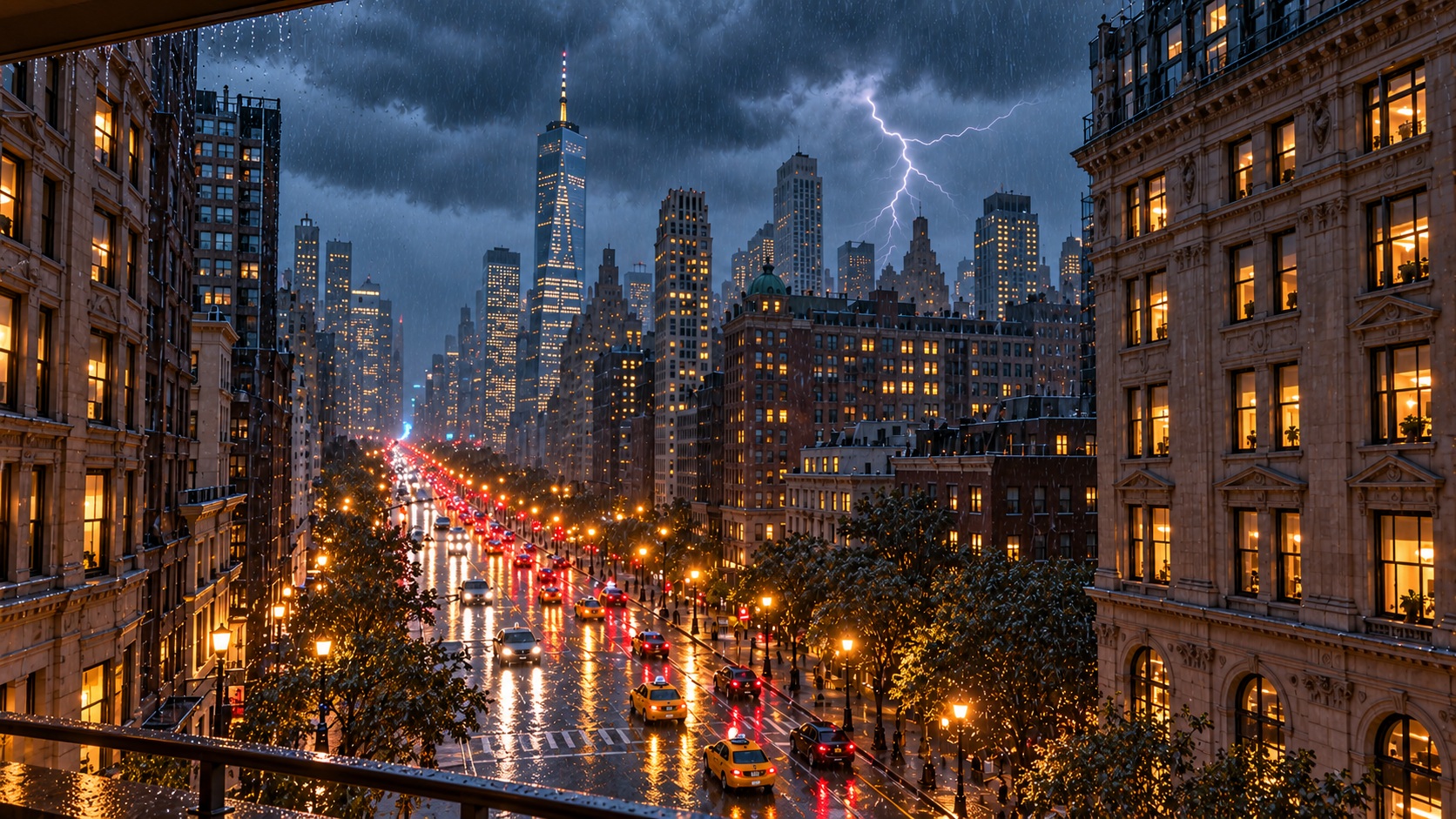
Storm EnvironmentWatch a New York thunderstorm from a sheltered balcony, with falling rain, distant thunder and warm city lights below.
Rain and ThunderReady to playAppearance
JPG, PNG or WebP, up to 15 MB. Images fill the scene and may be cropped.
Scene tint
Environment
Audio enabledParticles activeLighting activeFog active
Save your scene
Your saved scene appears under My saved in the scene library.Keep a named copy in this browser. Download an experience backup to move it to another device.
View saved scenes →