Scene library
Find a setting that feels right.
Start with a ready-made environment or upload a background in the scene editor.
- Background choices
- Your own image uploads
- Live scene preview
- Full-screen viewing
 Aether
Aether Features
Build a relaxation session, personalise a podcast setting, or shape an environment with sound, lighting and animated effects.
Create in your browser
Start with a ready-made setting and use the controls available for that experience. Enjoy it in full screen, save your own version, or use a silent browser-source backdrop in OBS.
Real controls, a live preview and a setting you can return to.
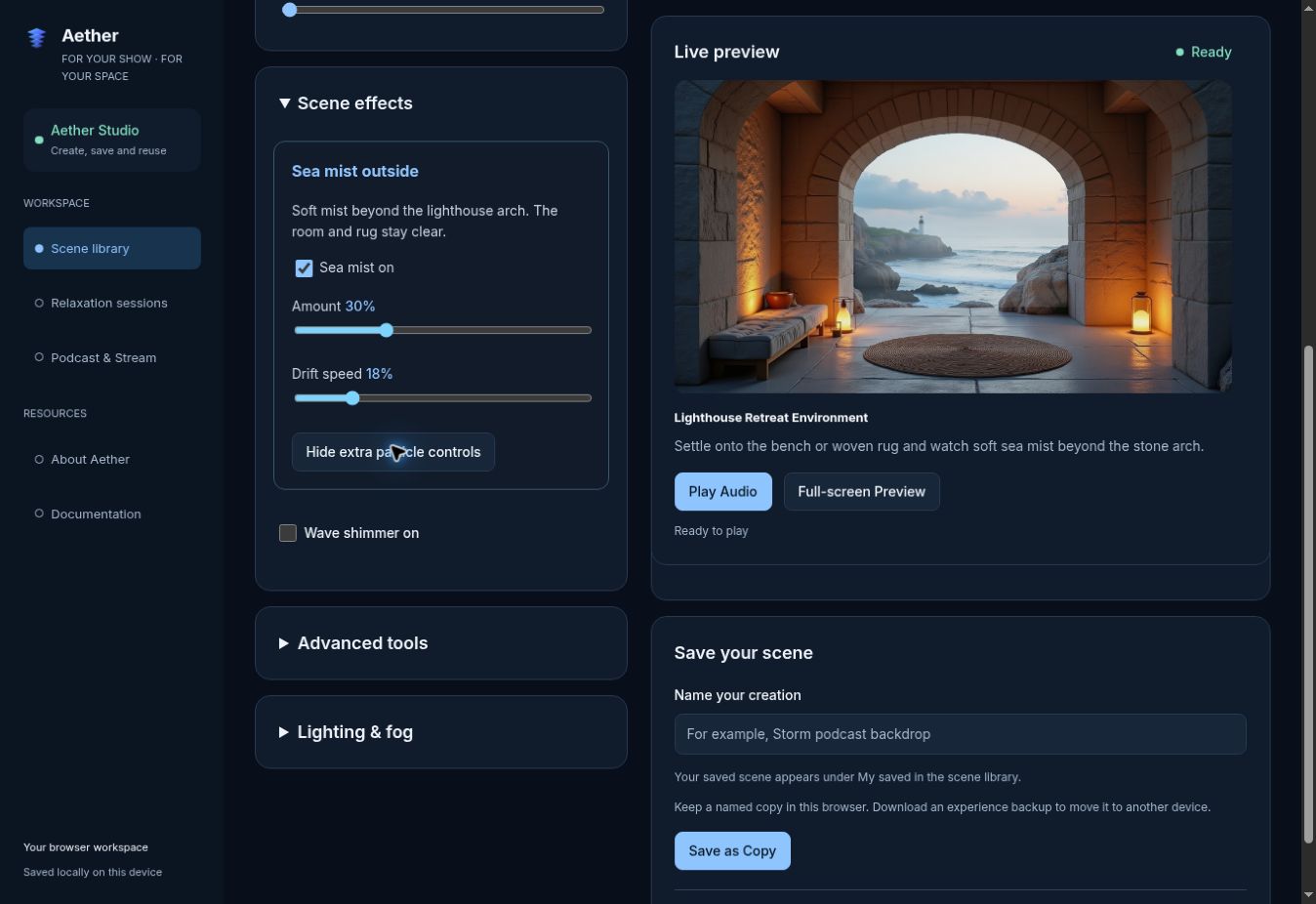
Adjust the effects that suit your scene. Detailed controls stay tucked away until you need them.
Try the scene editor →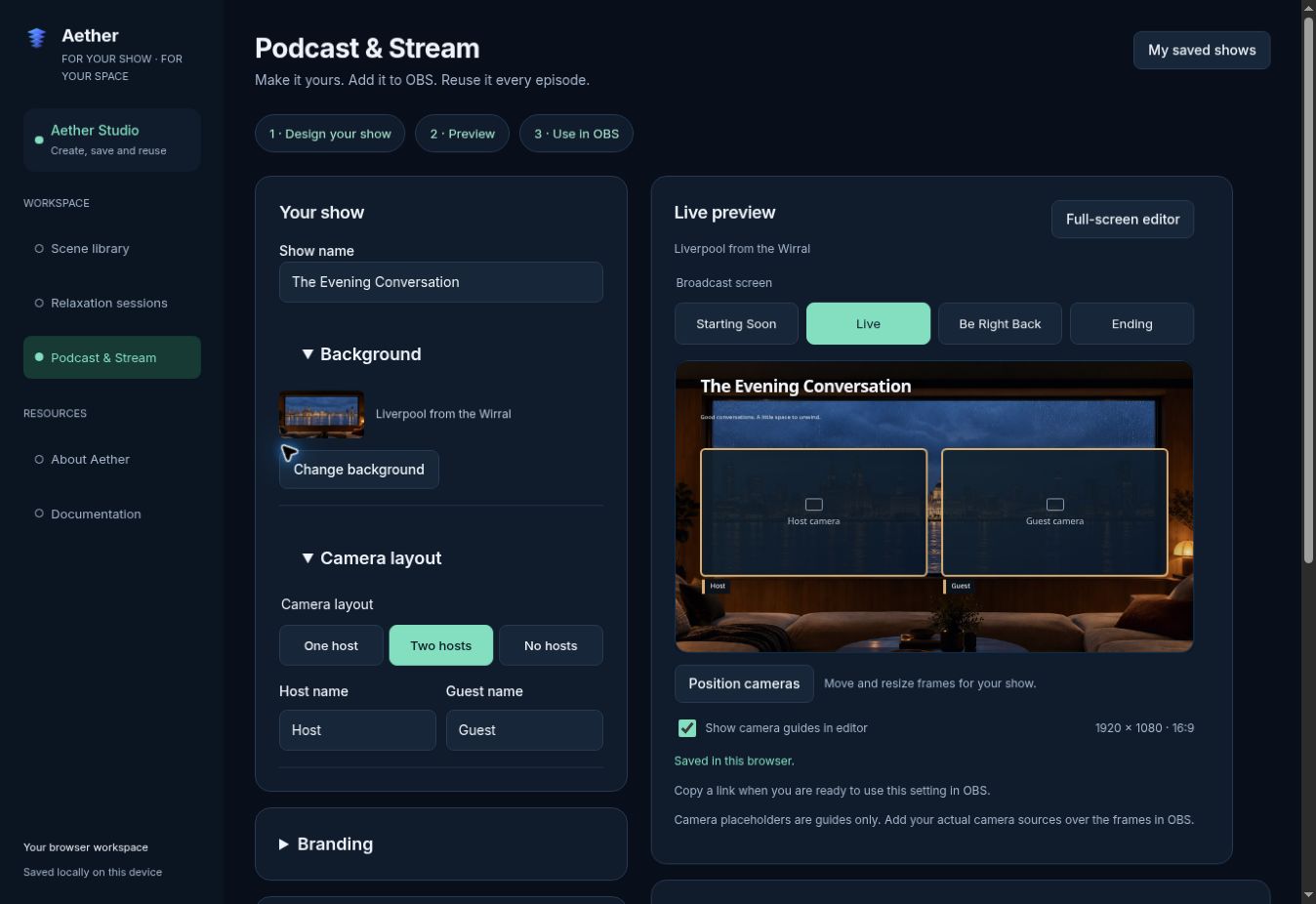
Choose a setting and camera layout, then add your title, names, colour and logo.
Design your show →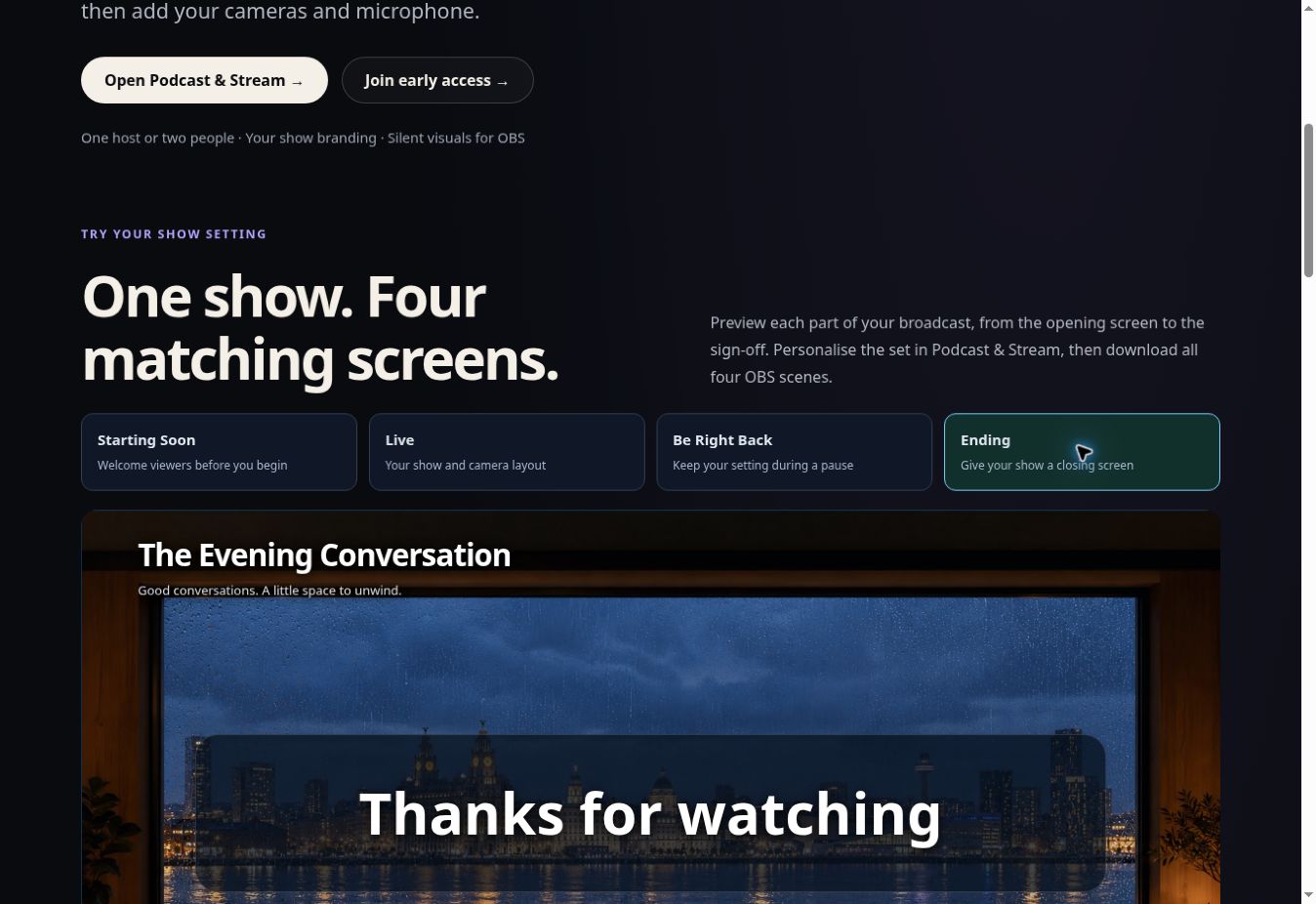
Starting Soon, Live, Be Right Back and Ending share your background and branding.
Try all four screens →Scene library
Start with a ready-made environment or upload a background in the scene editor.
Podcast & Stream
Create a reusable show setting and bring it into OBS for recording or streaming.
Relaxation
Choose a setting, duration and optional on-screen guidance in the relaxation session builder.
Atmosphere controls
Adjust the effects available for your chosen experience and see the result as you edit.
Your experiences
Save an edited experience as a copy, then find it again in My saved in the scene library in the same browser.
OBS workflow
Export silent browser-rendered visuals, then add your cameras and microphone in OBS.
Start creating
Set the scene for your next episode, or take a moment to unwind.
A shared browser runtime brings scenes, audio and visual effects together. For technical details and the current source, visit GitHub ↗.