
Skip to content
Aether

Atmosphere for your show and your space

Set the scene with Aether.

Create a branded setting for your podcast, or settle into a scene with sound and gentle motion. Personalise it in your browser and keep your own version.

One scene engine · Two ways to use it · Create in your browser

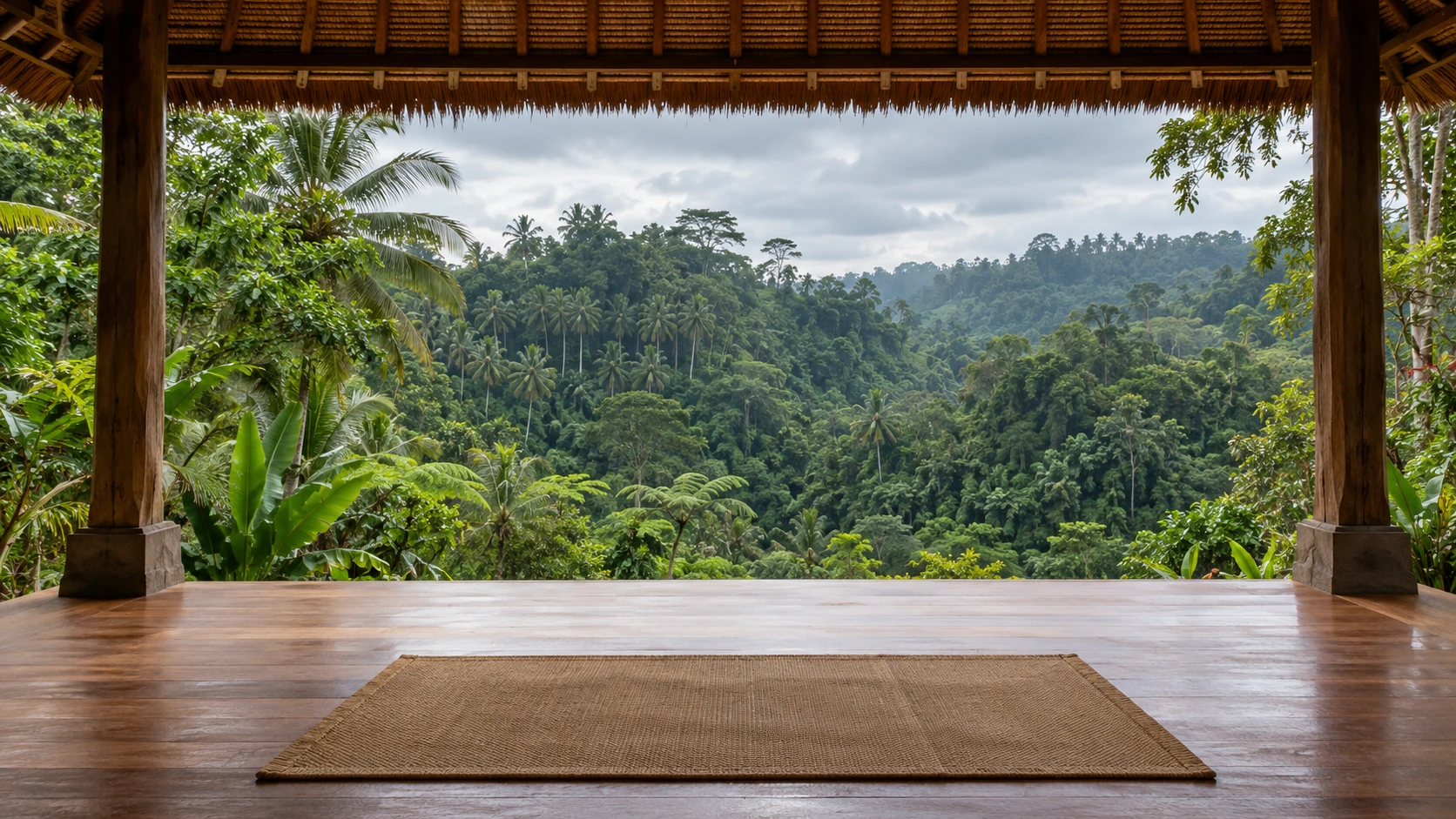
Live scene · Tropical rain & rising mist

Balinese Pavilion

Rain falls. Warm mist rises through the jungle.

Compare with the original image · Silent preview
Explore this scene →

How would you like to use Aether?

For your show

A setting for your show

Choose a background, add your branding and camera layout, then download four matching screens as an OBS scene collection.

Create your show setting →Join early access →Silent visuals · Add cameras and microphone in OBS
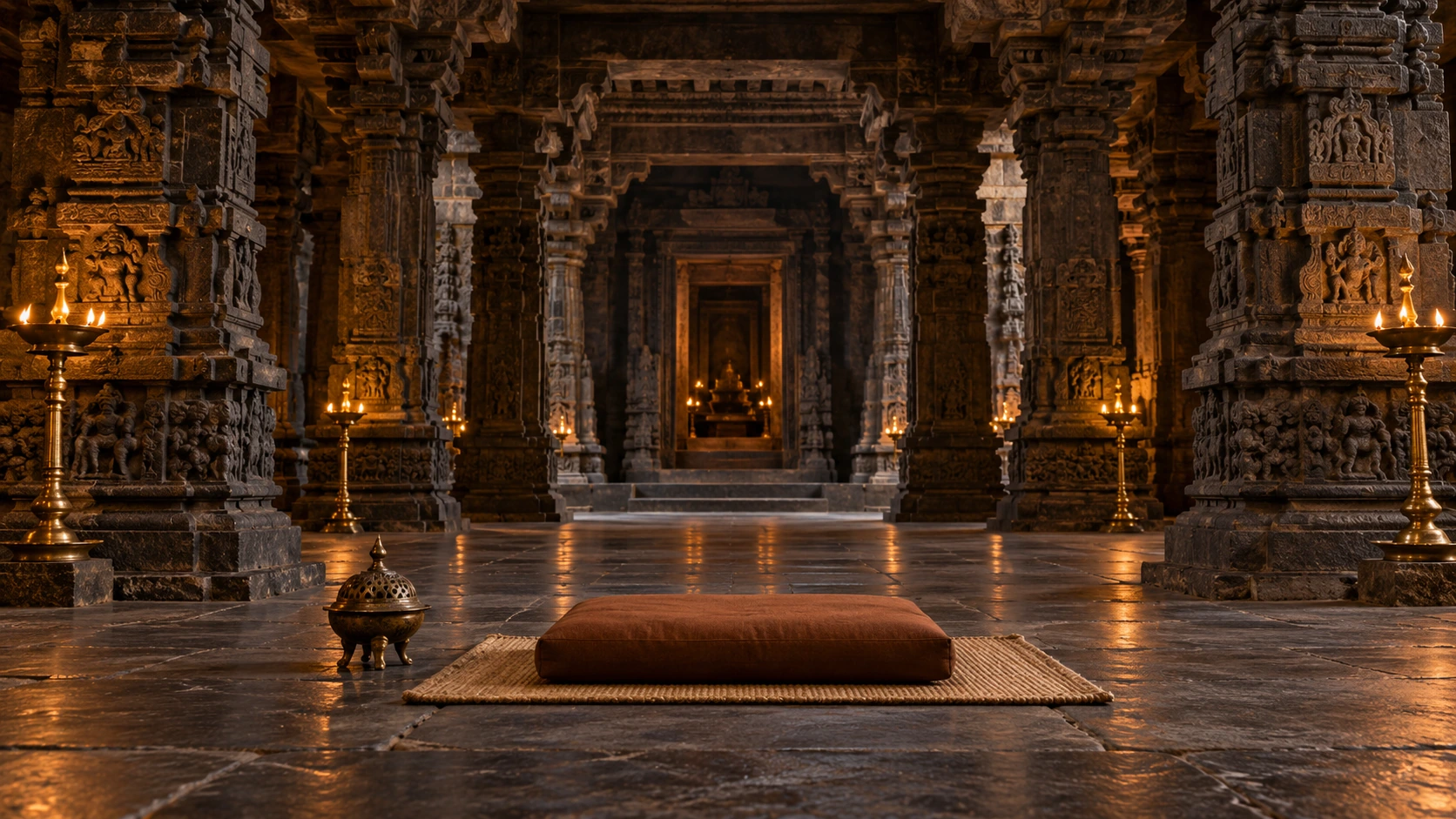

For your space

An atmosphere you can return to

Start a personal relaxation session or customise a reusable environment. Explore how a scene could support a facilitated session or a physical space.

Explore For your space →Explore all scenes →5, 10 or 20 minutes · Untimed option · Optional guidance

Scene library

Find your scene.

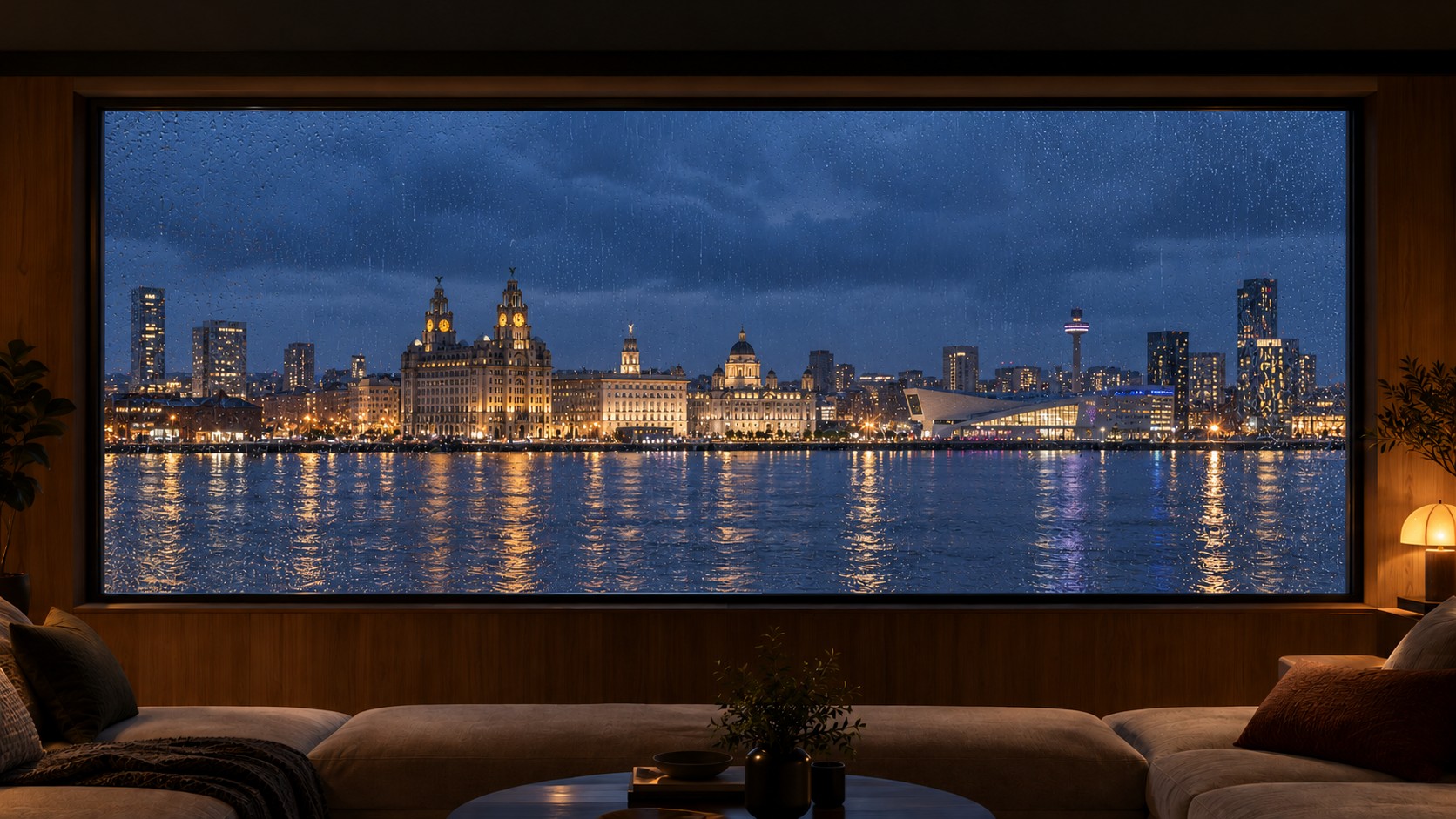
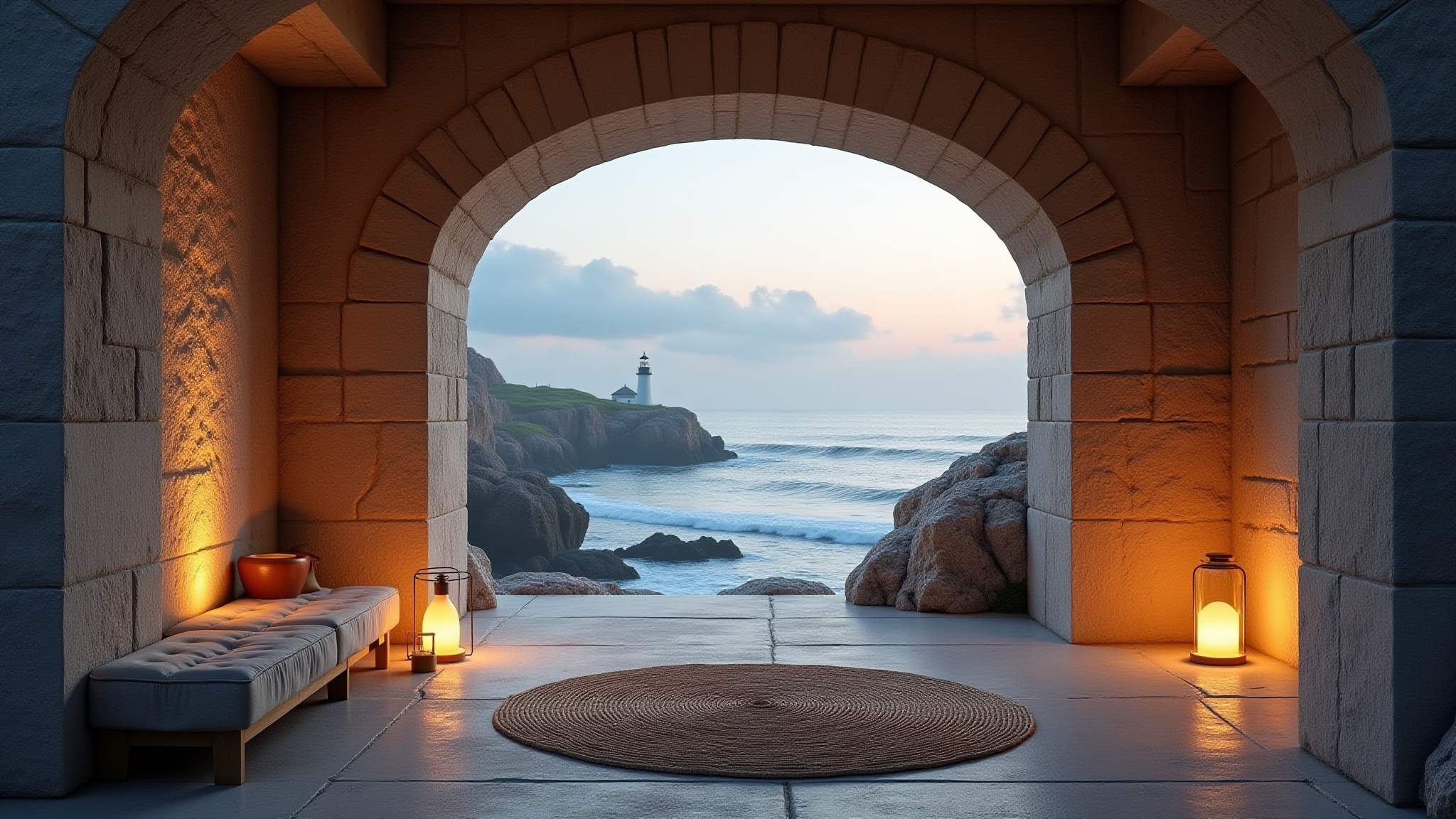
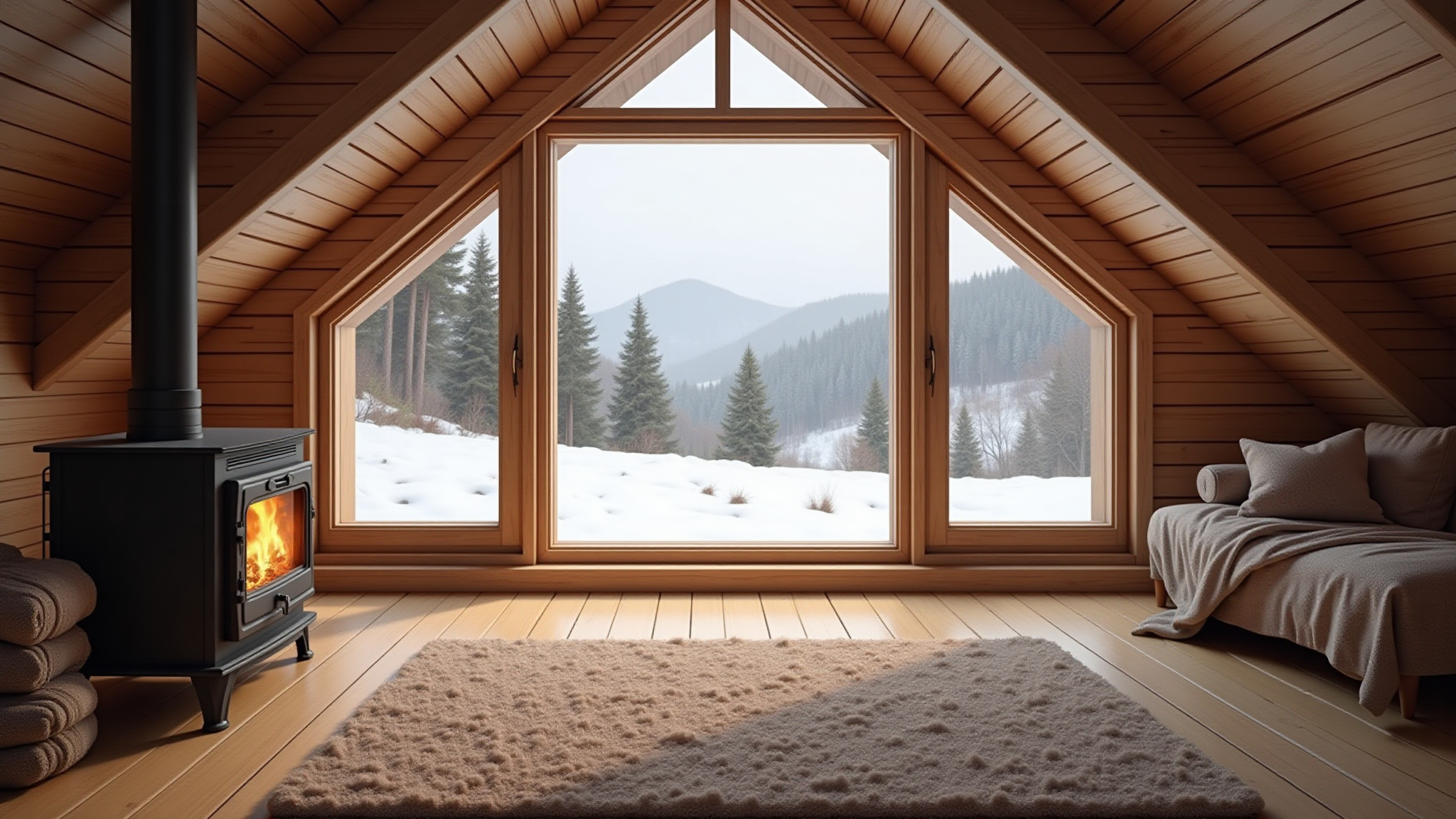
Play a scene without a timer, or open it in the scene editor to make your own version. Each named place has its own starting atmosphere, ready to play or edit.

Browse the scene library

Studio workflow

From idea to live experience.

Choose an environment, make it your own, and see each change in the live Studio preview.

01

Choose

Choose a ready-made scene, or upload your own background image.

02

Shape

Adjust the available sound and effects, and see your changes in the live preview.

03

Save and use

Keep a copy in this browser, enjoy it in full screen, or use a silent browser-source backdrop in OBS.

Browse the scene library →